In a world of AI.
Stay
grounded.
A photo makes you wonder? Ask Rock. Let him look for signs of AI.

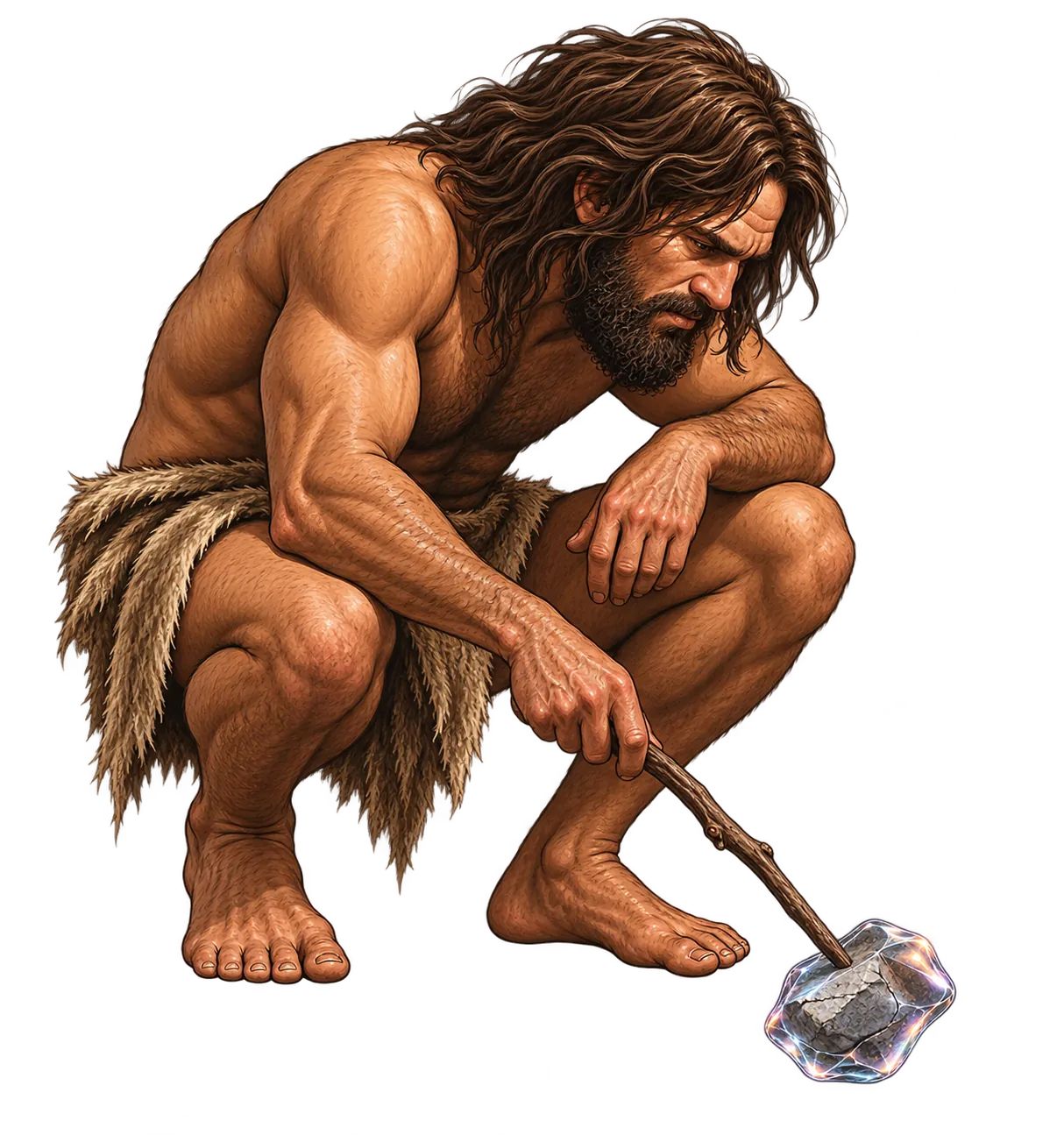
What’s behind this photo?
Find out with Rock.
Choose a photo and see what Rock finds.
- 01
Pick a photo.
Choose a photo that caught your attention.
- 02
Let Rock take a look.
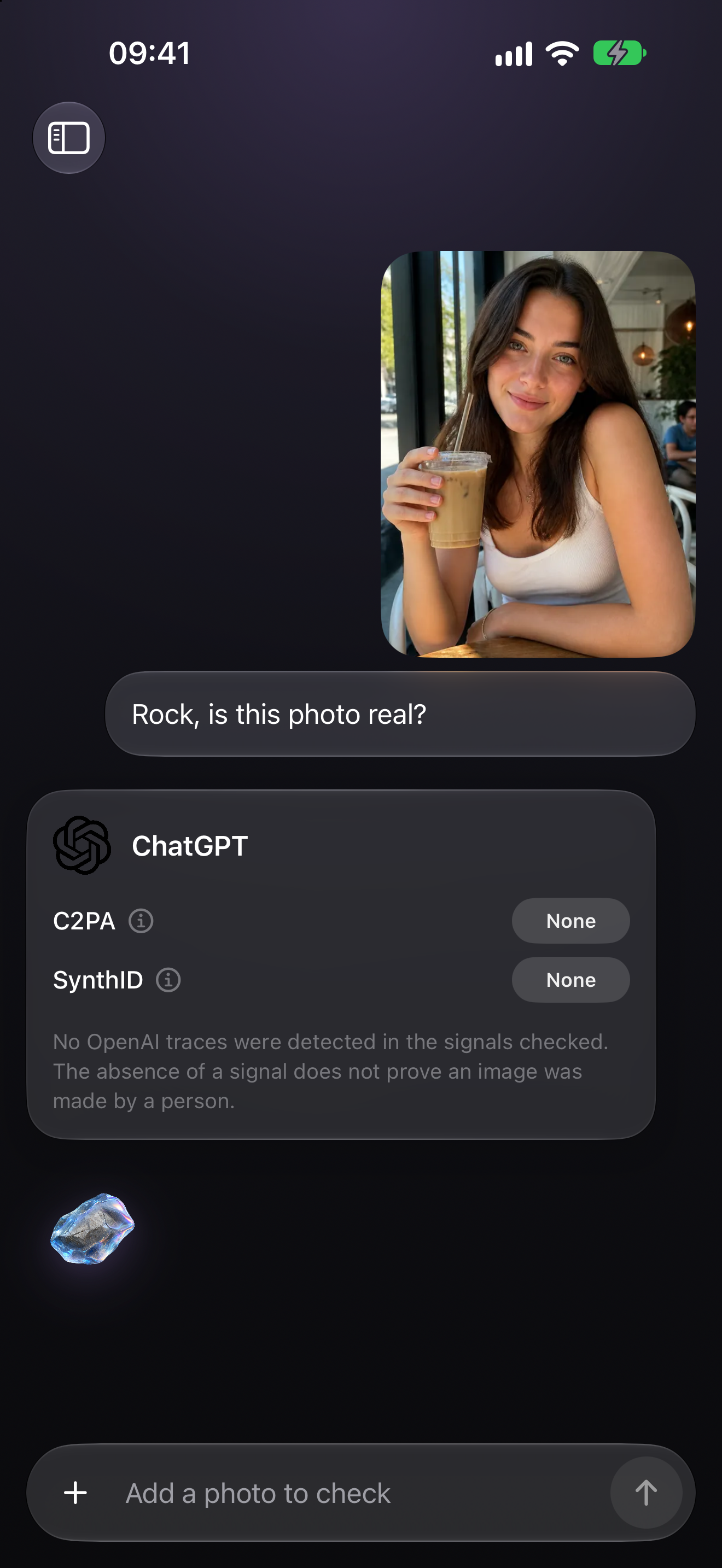
Rock looks for signs of AI.
- 03
Read the result.
See what Rock found. All in one clear answer.
Coming soon.
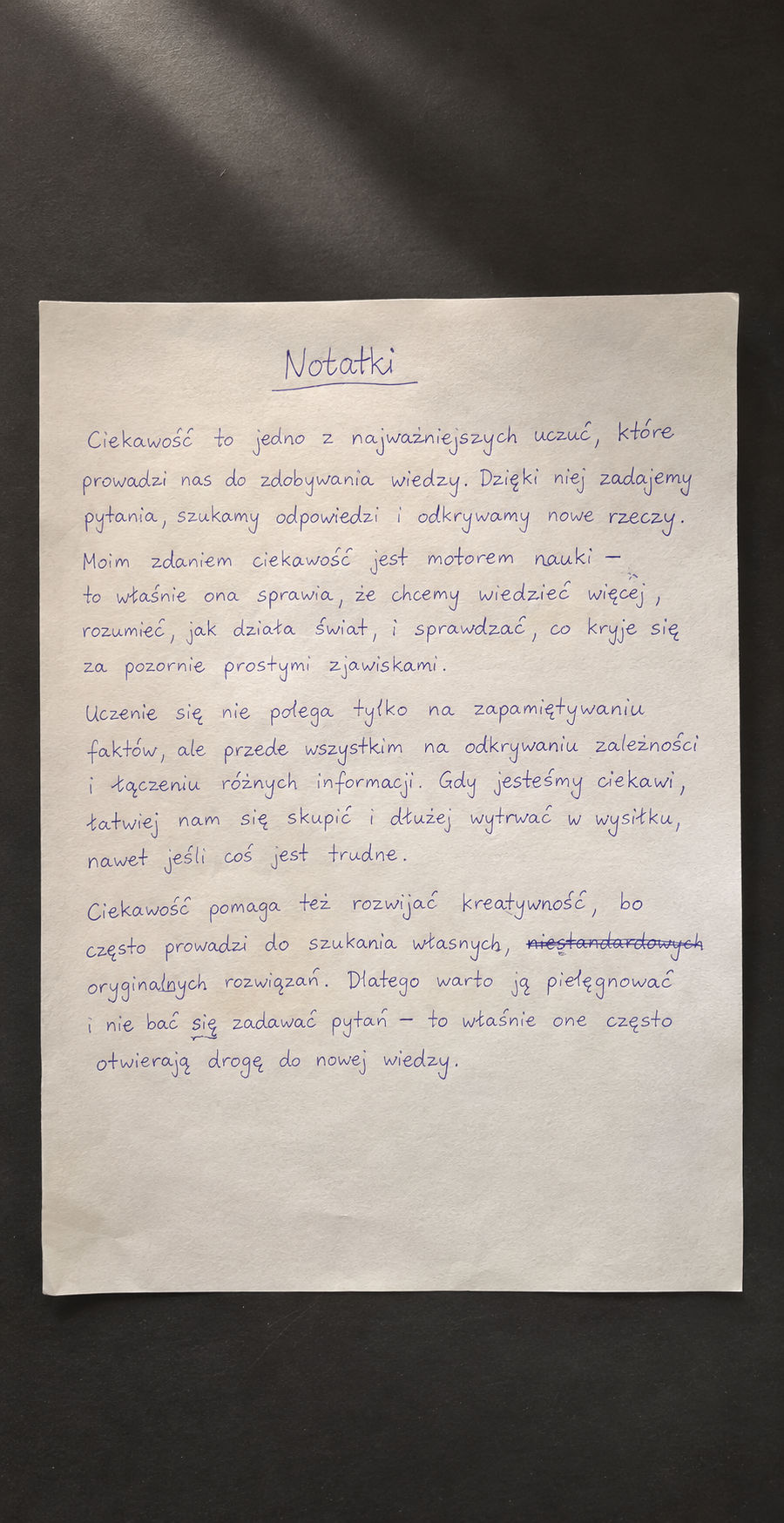
Ask about text.
On a screen. On paper.
Even handwritten.
AskRock will look for signs of AI in the content of a document — whether it is displayed on a computer, printed on paper, or written by hand.
Want to know
more?
Get to know Rock a little better.
Does no signal mean a photo is real?
No. An AI-generated photo may have no supported signal, or editing may have removed it. The result covers the signals AskRock can check.
Why choose the original file?
Screenshots, re-saving, and editing can remove provenance information. If you have the original file, choose it instead of a copy from social media.
Is my photo sent for checking?
Yes, with your consent. The image goes through the AskRock backend to OpenAI. Read the privacy policy for details about processing and history.
Can I check text or video?
You can check photos today. Soon, AskRock will also look for signs of AI in document text. Video checks are not available.
Not sure?
Ask Rock.